How to Install Microsoft Office 2016 on Windows 10
How to Install Microsoft Office 2016 on Windows 10
Do you want to know how to install Microsoft Office 2016 on widows on your own? Sometimes, it is somewhat confusing to download and install Microsoft applications. If you find it difficult to install, then this is for you; easy-going and step by step process will help you to install your Microsoft Office 2016 on your Windows 10 very easily.
All users can download various free copies of the Microsoft Office 2016 suite to their personal computer. If you want to download the free software, it requires an active Managed Internet Service (MIS) login, email account and password. If you don’t have these should contact your MIS Administrator. The administrator will help you activate MIS login.
How to Install Microsoft Office 2016 on Windows 10
You can download and install Microsoft Office 2016very easily, step by step let’s take a look at how to do that:
Open your internet browser( Chrome, Firefox etc.) and visit http://office.com
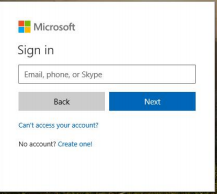
In the top right corner click on "Sign in"
In the Username field, type your valid email address - and click "next" button.
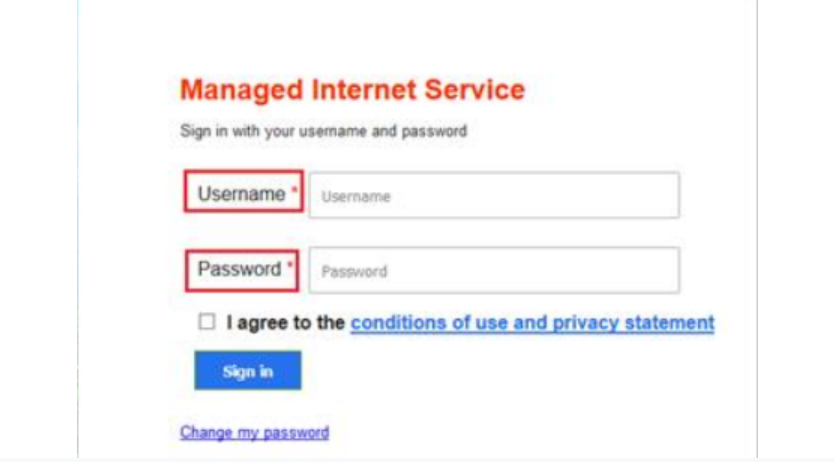
You will be advised for your valid username and password on the online authentication page. Type your username and password there.
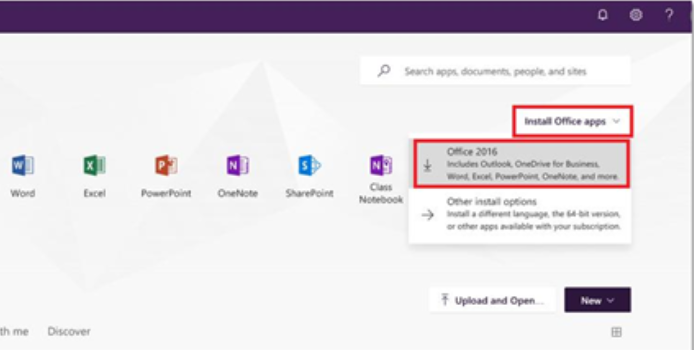
From the top right corner, click "Install Office apps" then "Office 2016" as displayed in the image
You will find a pop-up message, indicating you to run or save the .exe file.
Click on ‘Save’ button. Then the files will automatically begin to download
Click on ‘Run’ when the file has completed downloading.
Note:This file is approx. 2GB, and may take a while to be downloaded as it will be depending on your internet connection speed.
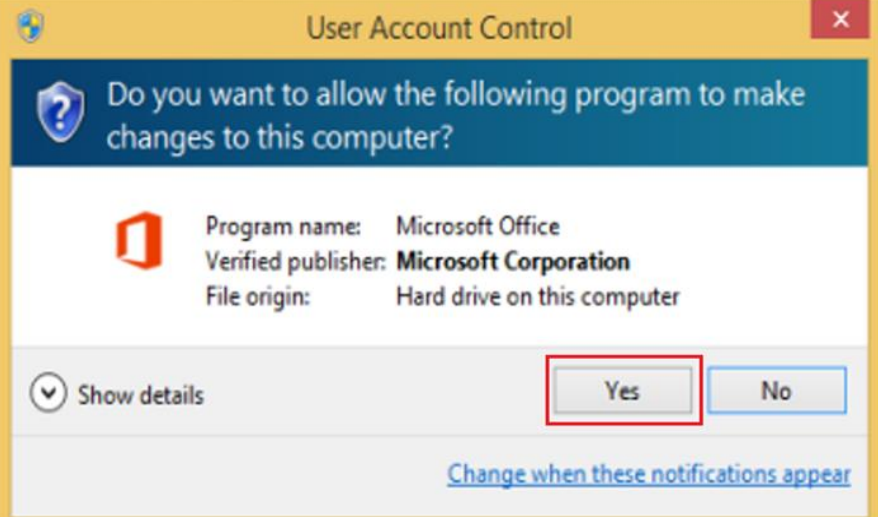
You will be assisted with a message to make changes to your computer. Then select the ‘Yes’ button.
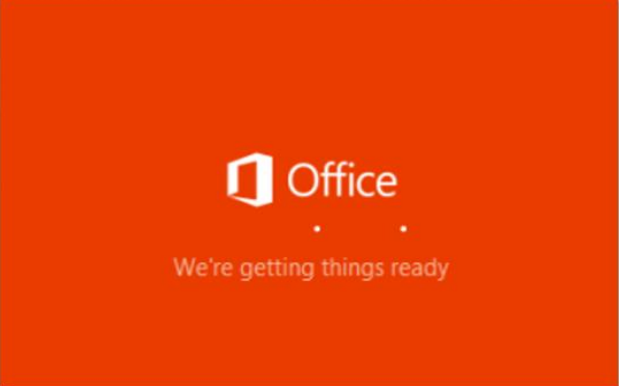
Microsoft Office will start downloading automatically
Note:You will find the office icon pop-up on the taskbar.
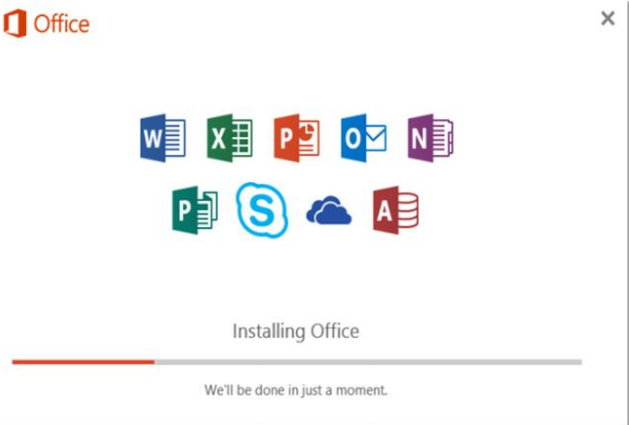
Microsoft Office 2016 will start to install to your computer, wait for this to complete.
Note:Please make sure that all Ms applications are closed during the installation. You may be a get a message to close all applications if they are still open.
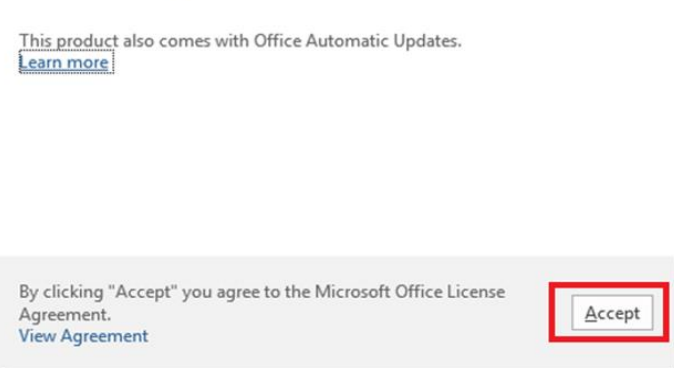
You will find the Microsoft Office License Agreement. Just view Agreements and then click Accept.
After Office 2016 closes installing, a message will appear to inform it has finished. Click ‘Close’
After you click close, it is recommended to restarting your computer to ensure all changes have applied successfully.Microsoft Office 2016 is now ready for you to use.




 LOGIN/Sign up








0 responses on "How to Install Microsoft Office 2016 on Windows 10"